Managed networks & Wi-Fi
Coverage planning, guest and business networks, switching, routing, and ongoing network support. Built around how your property actually works.
ISLAMORADA · FLORIDA KEYS
Your network is the backbone.
We make sure it holds up.
Hands-on IT and technology infrastructure for the places that make the Keys work. From the first cable pull to ongoing support.
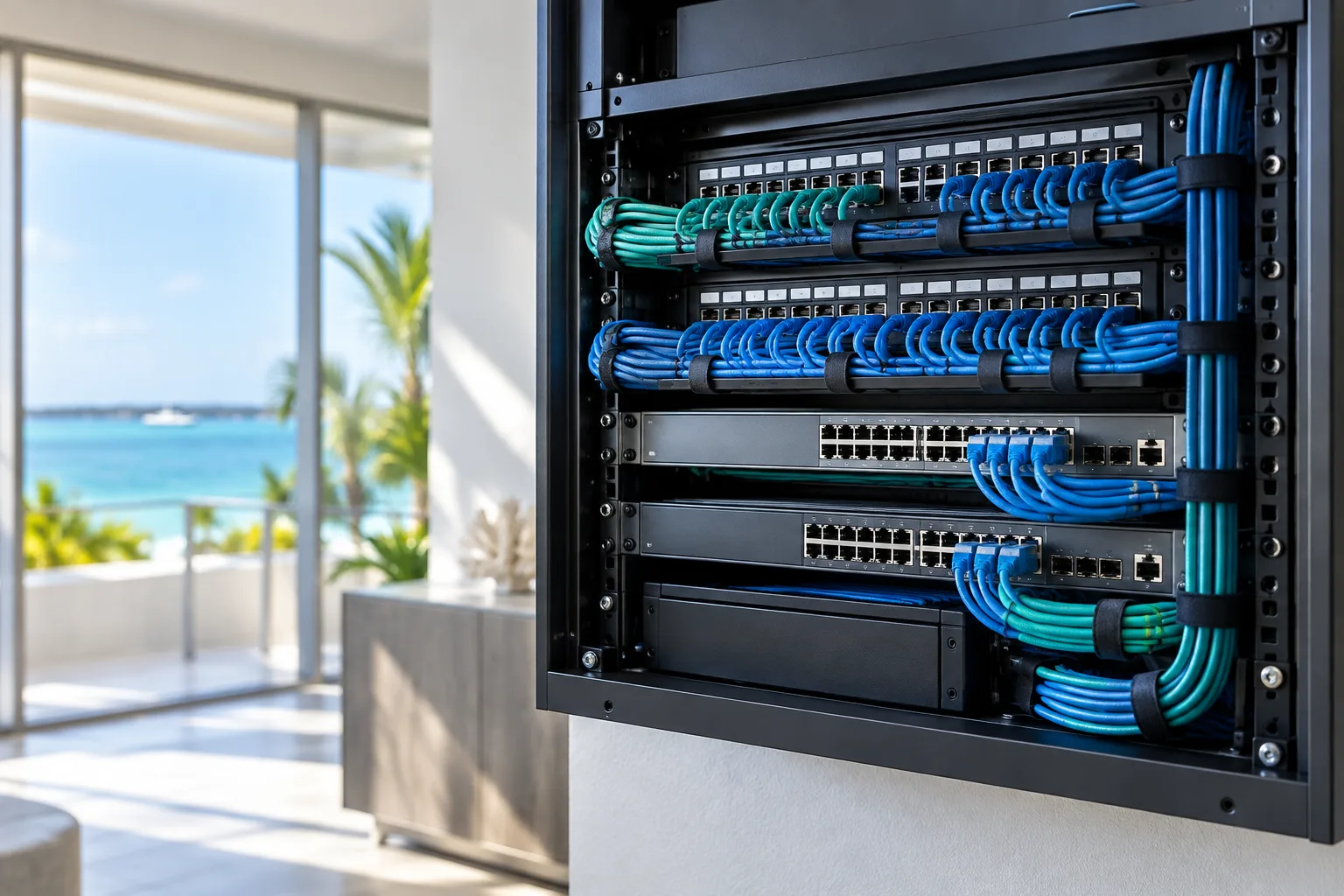
UniFi networks · Cat 6 & fiber · Cameras & access · Internet & audio
01 / WHAT WE DO
Wi-Fi, security, access, audio, and internet all depend on the network underneath. We plan them together, install with care, and keep the whole system manageable.
Coverage planning, guest and business networks, switching, routing, and ongoing network support. Built around how your property actually works.
Cat 6 runs, fiber links, organized racks, patch panels, and connections between buildings. A clean foundation for everything you add next.
Camera placement, network video systems, recording, and remote viewing for entrances, common areas, docks, and property oversight.
Connected entry systems for the people who belong there. Coordinate gate access, door control, and intercoms with your property's network.
Internet setup, Starlink integration, connectivity troubleshooting, and backup connection planning where the site and service options allow.
Sonos, distributed audio, and 70V systems for spaces that need sound. Remote troubleshooting and on-site follow-through when hands are needed.
02 / BUILT AROUND YOUR SPACE
Different properties. Different demands. The right infrastructure starts with understanding yours.
Get a QuoteGuest Wi-Fi, staff connectivity, cameras, entry systems, and audio across rooms, gathering spaces, and outdoor areas.
Practical networks for offices, shops, restaurants, and shared buildings, with business traffic separated from guests.
Connectivity planning for marinas, docks, and waterfront facilities, with cable routes and equipment placement suited to the site.
Connected homes, guest houses, gates, cameras, and outdoor spaces without treating every building as a separate system.
03 / THE WORK BEHIND THE WORDS
Anonymous examples drawn from hands-on cabling, network configuration, and connectivity troubleshooting. Client identities and site details stay private.
Cat 6 and fiber work paired with switch and router configuration, so connected equipment has a dependable path back to the network.
Start with the cable routes and equipment locations. Bring the physical connections and network configuration together, then check that the connected devices can communicate as intended.
Investigating ISP interruptions, addressing conflicts, and network loops by following the evidence through the connection path.
Check the internet handoff, router, switches, and affected clients. Compare symptoms and configuration before choosing a change, then verify the connection again.
UniFi remote-access troubleshooting where overlapping networks can interfere with reaching equipment at another location.
Confirm the local and remote network ranges, test the access path from a different connection, and distinguish a routing issue from an equipment failure.
04 / WHY KEYS IT
Good technology takes more than choosing equipment. It takes cable runs, thoughtful configuration, methodical troubleshooting, and someone who sees how the parts connect.
Infrastructure planning grounded in installation work, from cables and switches to the devices that depend on them.
Track the problem through the system. Identify the cause, make the right change, and check the result.
Plan for the next camera, access point, building, or audio zone, with an organized network at the center.
Island properties, outdoor spaces, waterfront layouts, and busy guest areas deserve a plan shaped around the site.
A CLEAR PATH FROM IDEA TO INSTALLATION
Talk through coverage, equipment, access, and the problems you need solved.
Define the infrastructure, scope, and practical options before installation.
Install, configure, check the system, and discuss ongoing support needs.
05 / CLOSE TO HOME
Serving Islamorada and Florida Keys projects. Tell us where your property is and what you need; we’ll confirm site-visit availability and the right next step.
Upper Keys · Middle Keys · Lower Keys
Project coverage and scheduling confirmed by location.06 / LET’S GET CONNECTED
Tell us about your property, the systems involved, and what you’d like to improve.
Phone: [ADD BUSINESS PHONE]
Email: [ADD BUSINESS EMAIL]
The support phone number has not been added yet. Use the request builder to prepare your project or support details.